
In preparation for my upcoming certification push, I need to put together a test network for my 2012 certifications. I would do it on virtualized machines, but one of the big changes in 2012 is the move to virtualization – You can’t easily do virtualization inside a virtual machine, so I really need at least a couple of machines to run on. I was thinking about dual booting my laptop between win8 and 2012 server, possibly just booting my laptop off a 2012 VHD and keeping all my work stuff on the Win8 machine, which would work, but I’m not sure how much room I need on my laptop… when it hit me – I have an old Mac machine which is moldering in the back of my office;
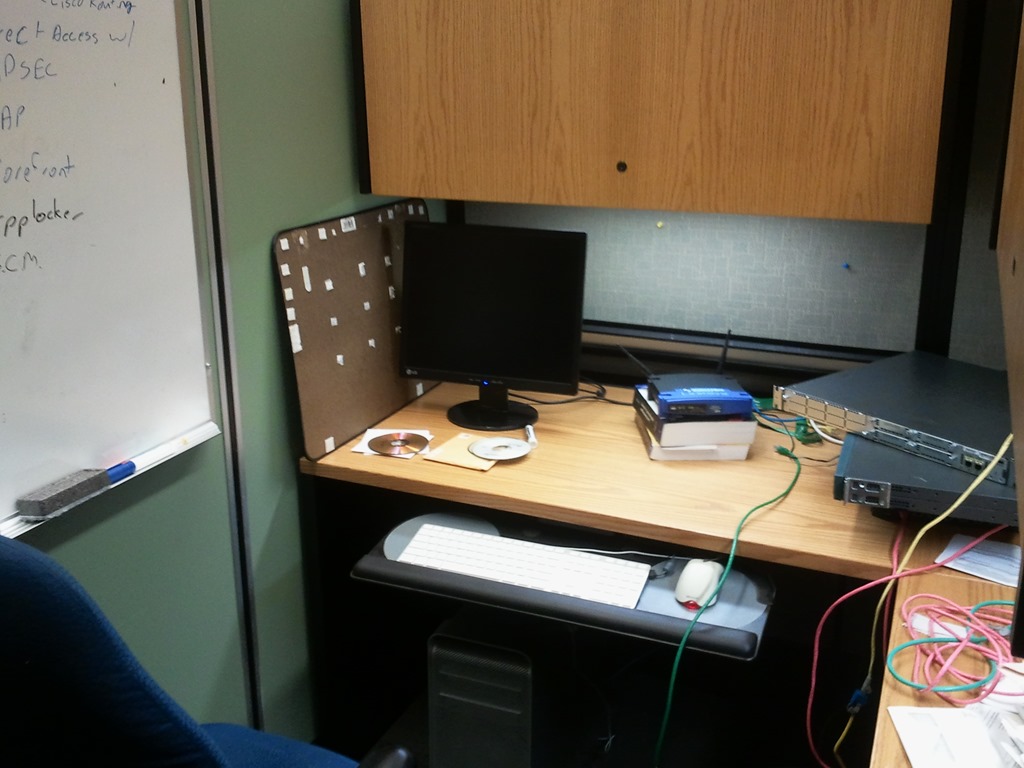
So there you have it – 2 drives (I can practice software RAID) 10 Gig of Ram, Quadcore Xenon processors – pretty decent hardware. I spoke to my guy Rod in our IT department (BTW – in any work situation there are always 2 people who you should treat like gold, and no, it’s not necessarily your boss – 1) The office secretary and 2) your IT support guy – they both have the power to make your life wonderful or a living hell, and they probably run the place from behind the scenes already – it’s a good idea to occasionally get gifts for both) Rod is going to get me an older tower with 8 Gig of RAM. It’s not top of the line new hardware, but good enough, I have a number of switches and routers kicking around, and if I need it, can get SAIT to get me a cheap NAS to store VM’s. That kind of a setup will allow me to get hands on doing virtualization, and failover clustering. Once they are up and installed, I can virtualize all my test machines, domains (with clients), networks and install and test any roles and features. I should be able to do this remotely from anywhere on campus, so I can justify the expense as a demonstration tool, which is true, it will be very useful.
Initial Installation
I downloaded the datacenter version of 2012 through our Dreamspark/MSDNAA site on campus, or if you are looking for it, you could get the evaluation version from Microsoft here. It’s good for 180 days – and if you can’t get certification done in six months, you can always re-install it. It’d be good practice.
I downloaded my Datacenter copy from MSDNAA, one of the perks of working on a college campus – I took a quick look at the licensing on 2012 – My understanding is that the only difference (besides price) is the virtualization rights between the two main “flavours” of 2012 server; Standard edition allows for 2 VM’s, while Datacenter has unlimited virtualization rights. You will need licenses and CAL’s for the VM’s themselves of course, but the virtualization rights is the only difference between standard and Datacenter, so that is much simpler. Won’t matter to me in this scenario, but still.
One of the features I like about Win8 is the way it works with iso files. In older versions of Windows, I was a big fan of the program “iso recorder” to burn CD/DVD’s from iso files, but in Win8 I only need to right click on it and I get the option to “burn disk image” – done. The install on the Mac went pretty cleanly except for one thing – I had CentOS installed on the machine previously to work on my RHCE certification and it loads using grub (GRand Unified Bootloader). GRUB writes itself straight into the MBR of the system, so even after I deleted the existing partitions, the 2012 install would boot from DVD, copy the installation files to the HD and would then reboot to begin the install, when it would hit the MBR and try to boot back into CentOS. I needed to erase the MBR – I had a copy of the “Ultimate Boot CD” kicking around, so I booted into that – regenerated a clean MBR and tried to reinstall the OS – this time it ran without a hitch. I built a single 100 G volume, I plan to add more later, and I’m interested in looking at some of the 2012 file system capabilities that should allow me to extend this later if I choose to.
Up next; getting a second server to cluster and managing to remotely access and manage my 2012 servers from across our tightly controlled corporate network.
 itnetsup